Quick Navigation:
| | |
Creating Audio Video Communication
Introduction to Multimedia
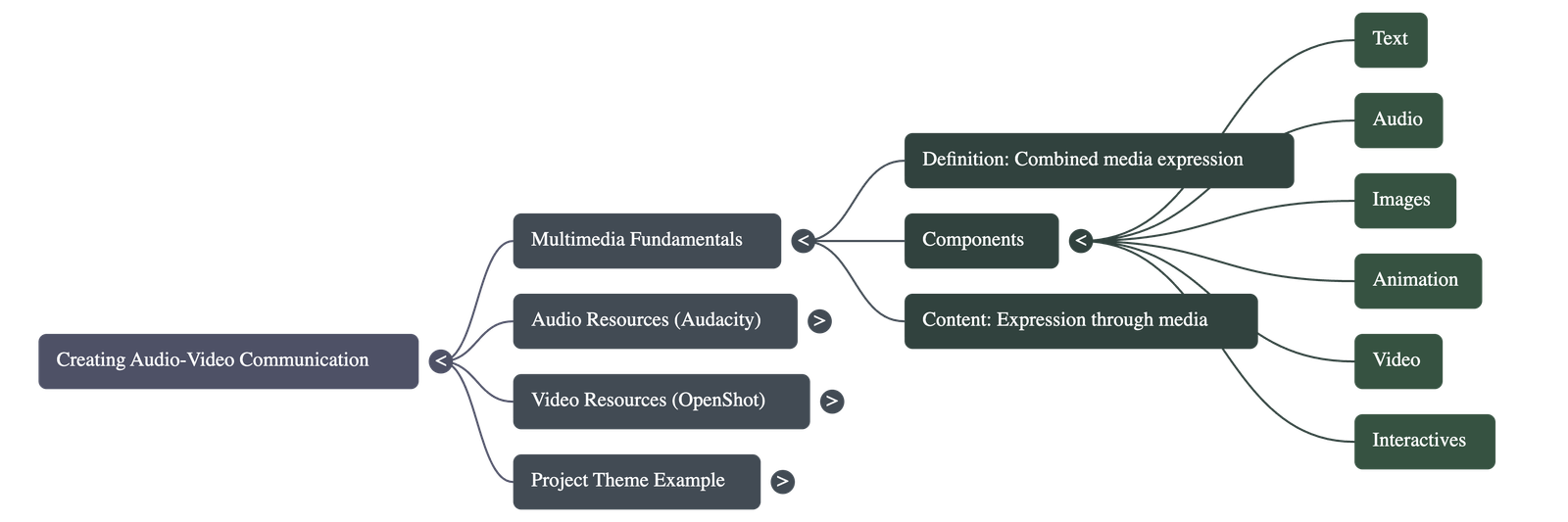
- Multimedia Definition: It is the use of more than one medium of expression or communication, combining text, audio, images, animation, video, and interactives.
- Interactives: These allow for two-way communication where users interact with content and receive immediate feedback.
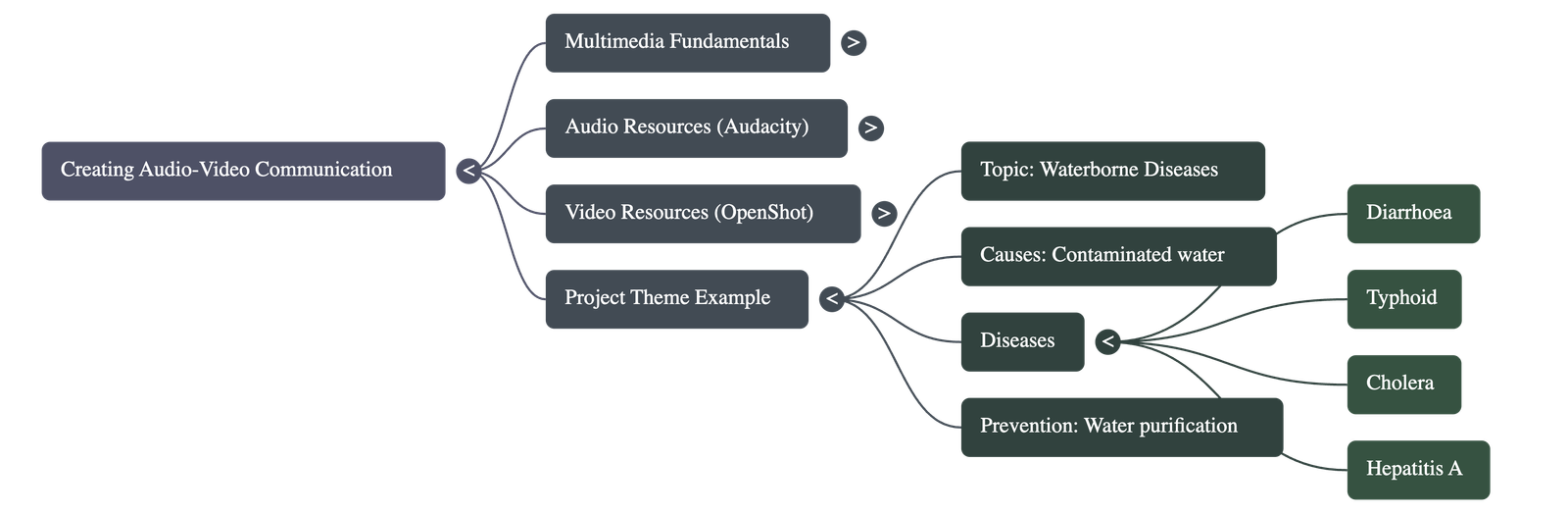
- Educational Value: Using multimedia for demonstrations, such as water purification techniques, helps in better understanding and awareness compared to traditional printed materials.
Planning a Multimedia Project
- Topic Selection: Identifying a clear objective, such as "Waterborne diseases and their prevention," is the first step.
- Content Collection: Information should be gathered from diverse sources, including library books, interviews with experts (like doctors), and practical demonstrations from teachers.
- Scripting: Writing an audio script based on collected information is essential before starting the recording process.
- Asset Organization: Compiling all text, images, video clips, and audio narrations into a single folder ensures a smooth editing workflow.
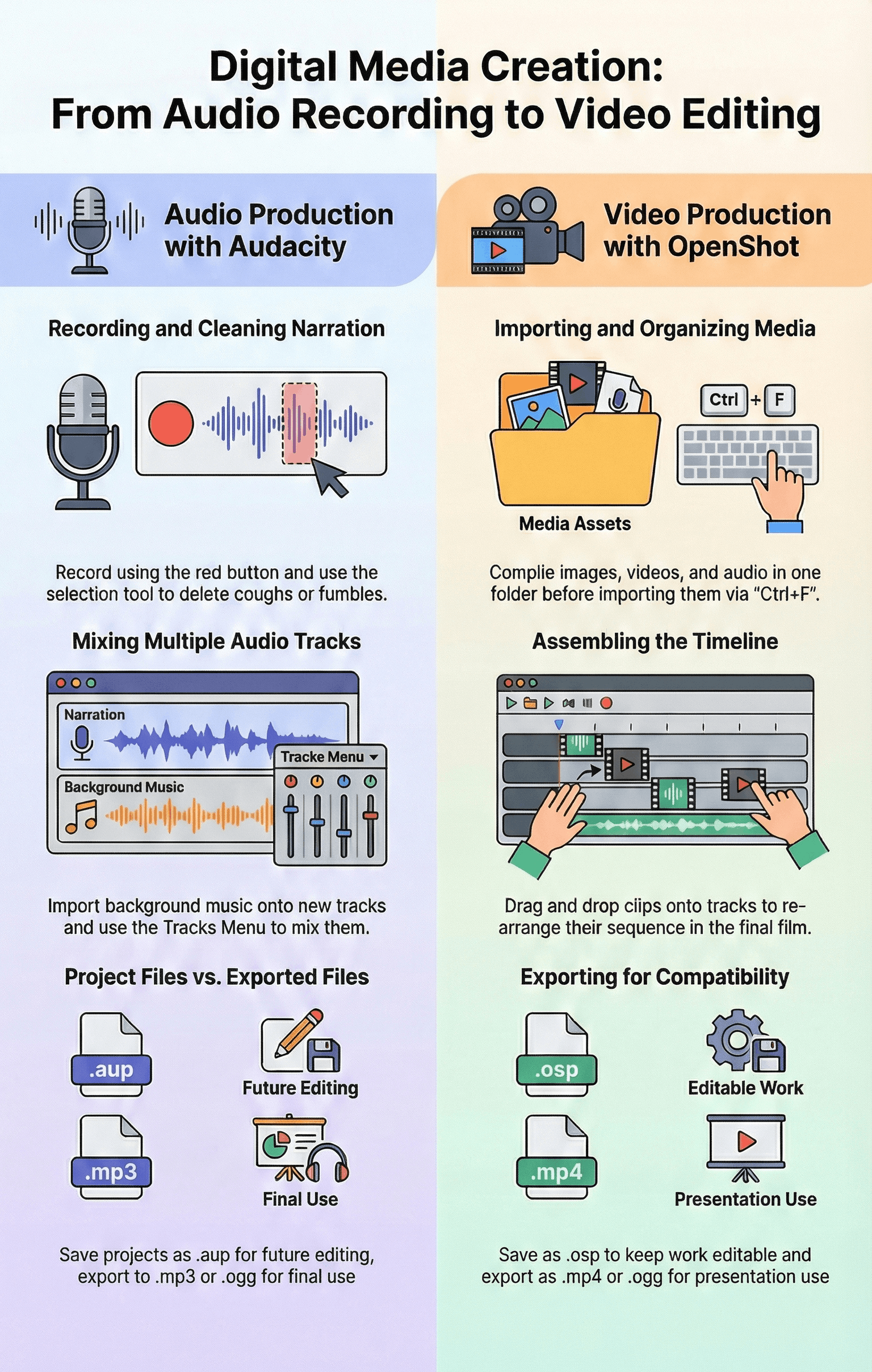
Audio Creation and Editing with Audacity
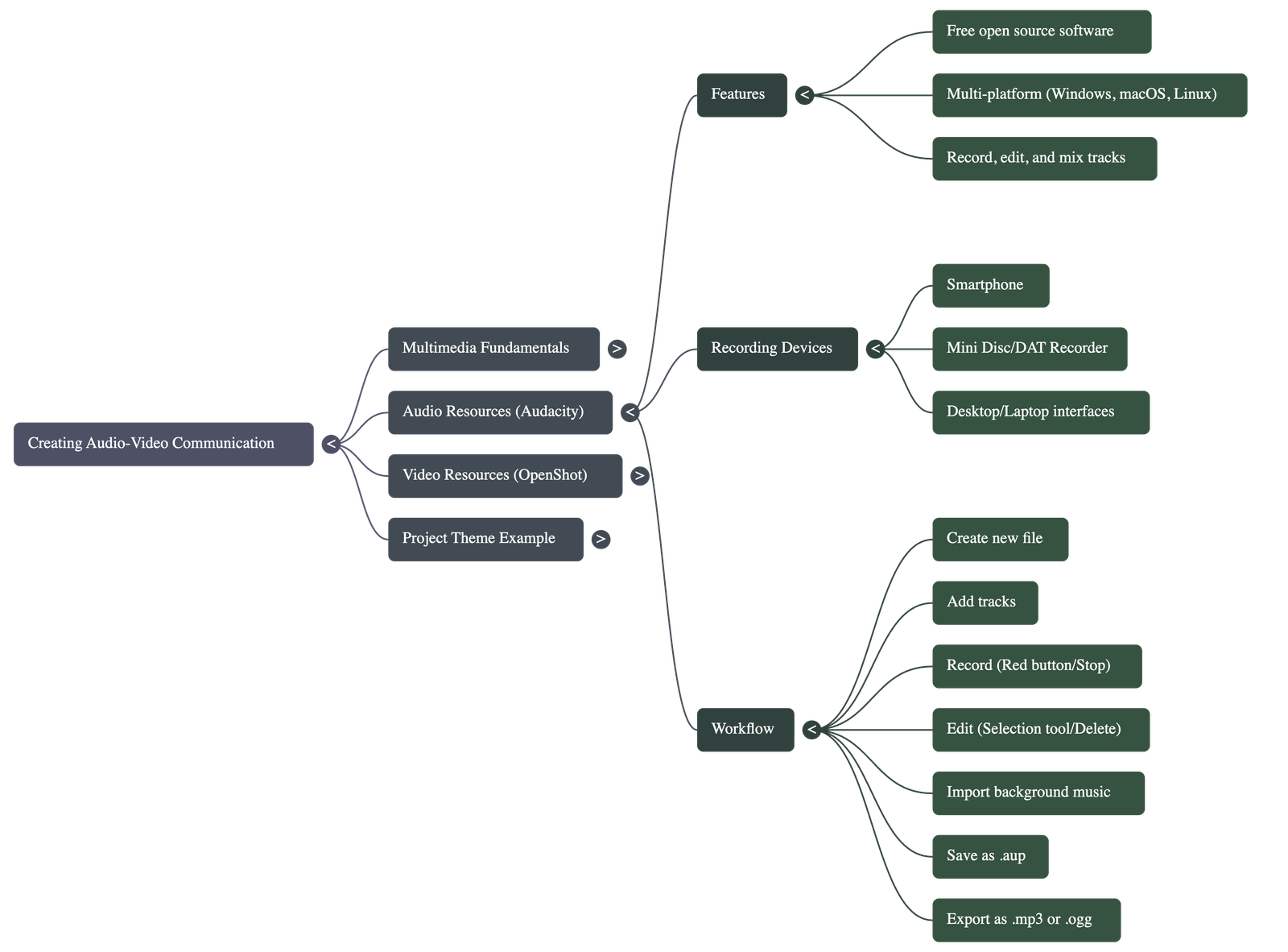
- Tools: Audacity is a free, open-source digital audio editor compatible with Windows, macOS, and Linux.
- Recording: Audio can be recorded using various devices, including smartphones, laptops, or external microphones. Digital and analog devices each have specific merits depending on the task.
- Basic Functions:
- Use the Red button to record and the Space Bar or Stop button to finish.
- The Selection Tool allows users to highlight and delete unwanted sounds like coughs, fumbles, or repetitions.
- Mixing and Enhancing: Multiple tracks can be used to mix narration with background music or sound effects. Users can import existing audio files and use the Envelope tool for mixing.
- File Management: Projects are saved in the editable .aup format. For use in other presentations or devices, files must be exported into formats like .mp3 or .ogg.
Video Editing with OpenShot
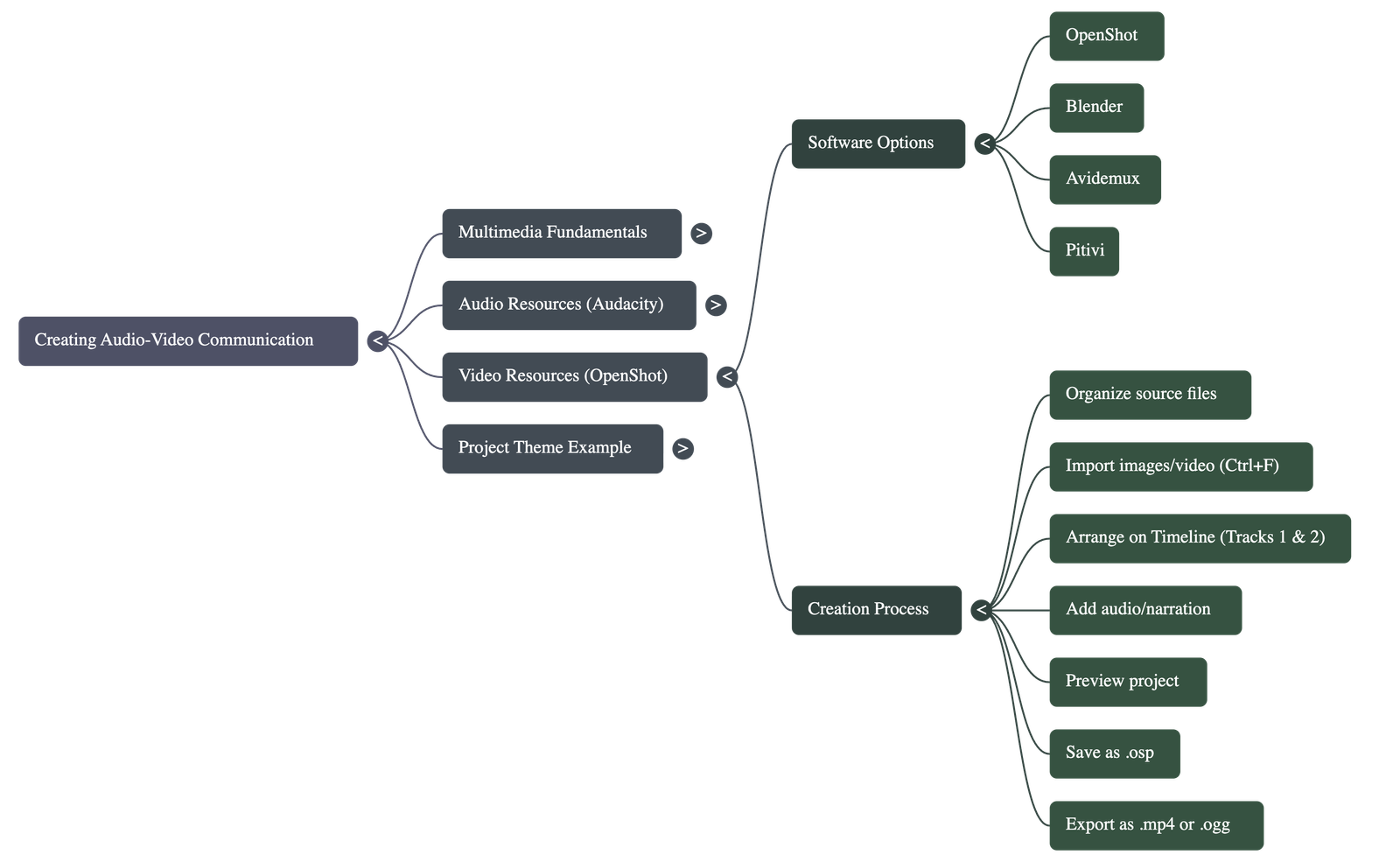
- Software: OpenShot is a popular tool for editing video films, providing a user-friendly interface for managing multiple media types.
- Importing Media: Images, videos, and audio files can be imported via the "File" menu or using the Ctrl+F shortcut.
- Timeline Management:
- Media is placed onto the timeline by dragging and dropping assets onto different tracks.
- The sequence of images or clips can be easily rearranged by dragging them within the timeline editor.
- Adding Audio: Background music or narrations can be added to separate tracks (e.g., Track 1) to play alongside visual content.
- Saving and Exporting: The project is saved in the .osp format for future editing. The final video is exported as an .mp4 or .ogg file to ensure compatibility with presentations.
Summary of Key Tools
| Category | Recommended Software | Primary Formats |
|---|---|---|
| Audio | Audacity, Mixxx, Ardour | .aup (Project), .mp3, .ogg |
| Video | OpenShot, Blender, Pitivi, Avidemux | .osp (Project), .mp4, .ogg |
Do checkout all questions & answers of this chapter.
Quick Navigation:
| | |
1 / 1
Quick Navigation:
| | |