Quick Navigation:
| | | |
User-Defined Methods
3.1 Introduction
- Methods are sets of statements designed to perform a specific task.
- They are immensely useful in Java because they provide flexibility to the program and save time.
- A programmer can reuse the same method repeatedly without having to write the code multiple times, leveraging the versatility of Java.
3.2 Need of Methods
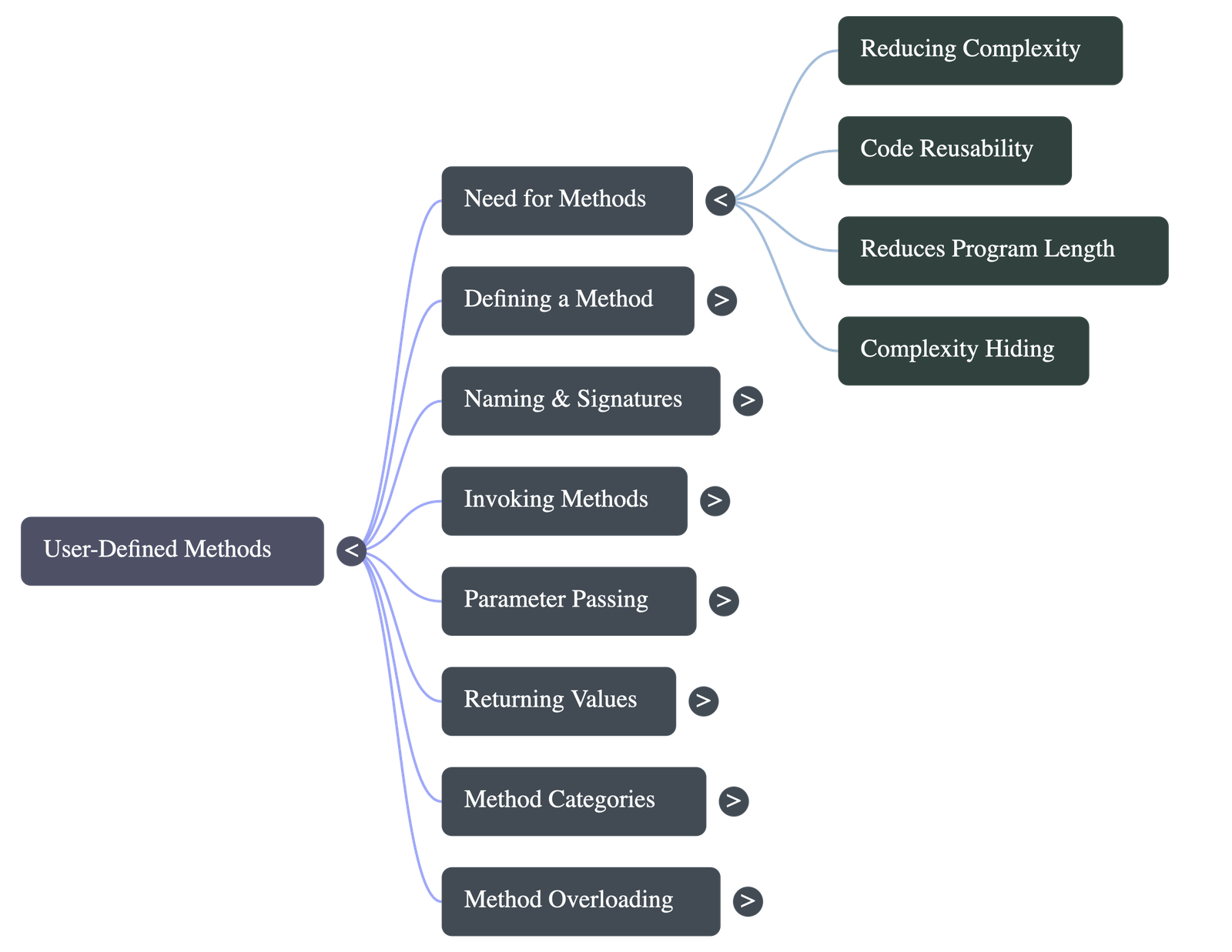
There are several key reasons justifying the use of methods in programming:
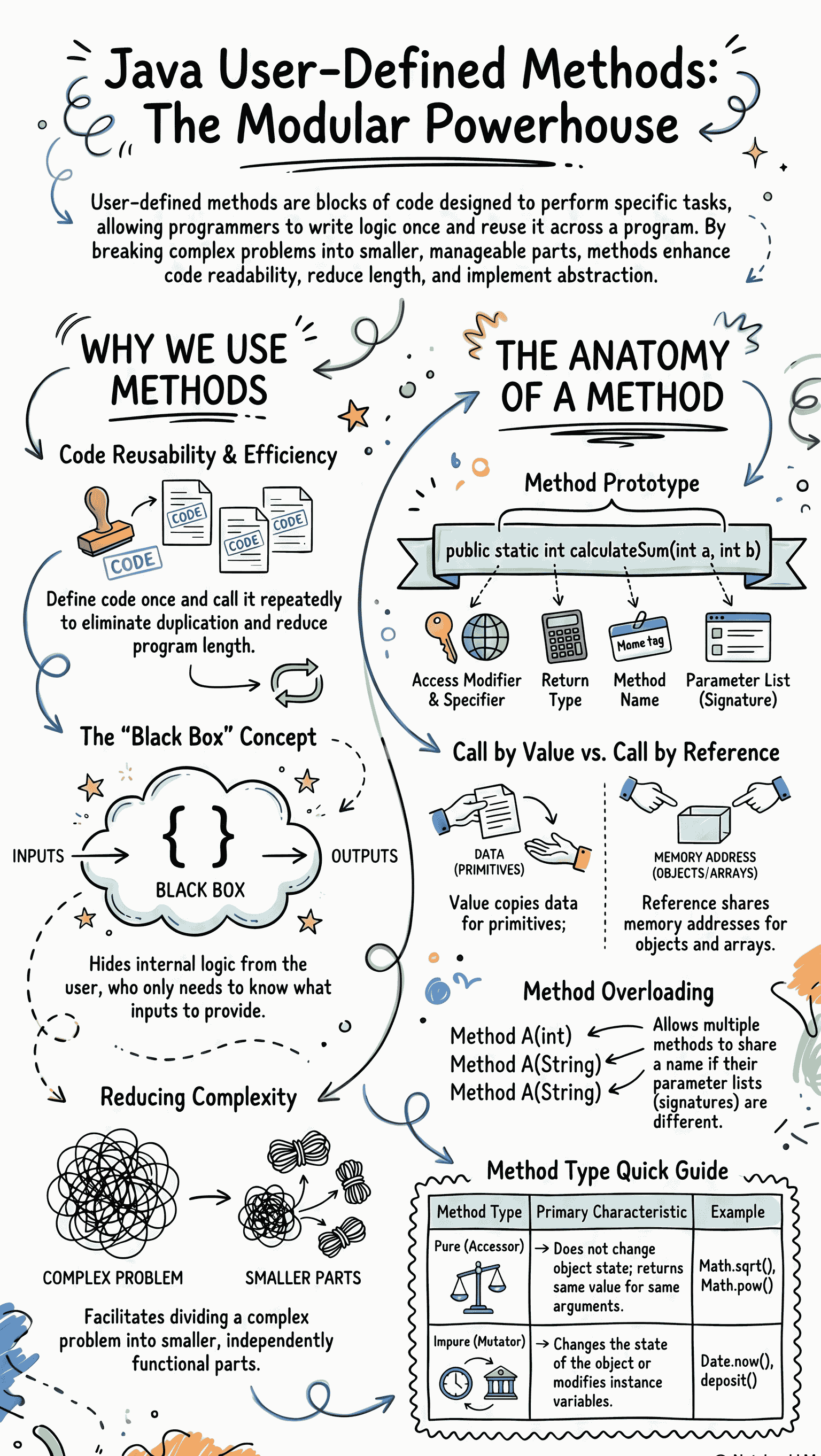
- Reducing complexity: Methods allow a complex problem to be divided into smaller, manageable parts that can be called as and when required.
- Code reusability: Once a method is defined, it can be called anywhere in the program repeatedly, reducing the duplication of code.
- Reduces length: It indirectly reduces the length of the compiled code since the method logic is defined only once.
- Hides the complexity: Methods act like "black boxes." The user only needs to know how to call the method and pass arguments, without worrying about the hidden logic running behind the application.
3.3 Defining a Method
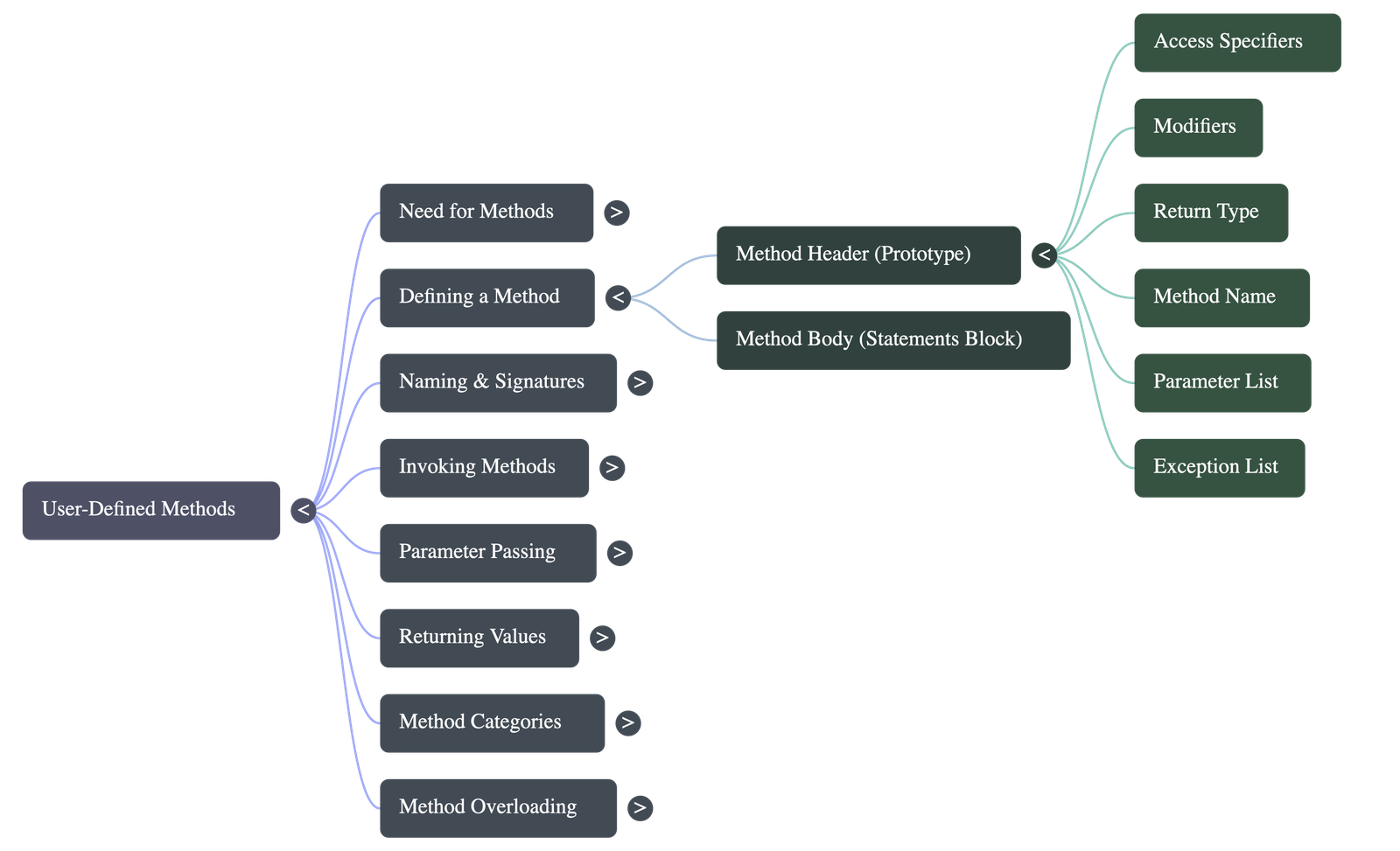
A method must be defined before it is used. A method definition consists of two parts: the header (prototype) and the body. The basic components include:
- Specifier: Determines the type of access (e.g., public, private, or protected).
- Modifier: Optional keywords like static, final, transient, etc.
- Return Type: The data type of the value returned by the method. If no value is returned, the
voidkeyword is used. - Method Name: The identifier used to call or reference the method.
- Parameters: Used to pass data to the method. Brackets are left empty
()if no parameters are needed. - Exception List: Used for error handling (optional in basic programs).
- Block of Statements: The body of the method enclosed in braces
{}containing the statements to be executed.
3.3.1 Method Naming Conventions
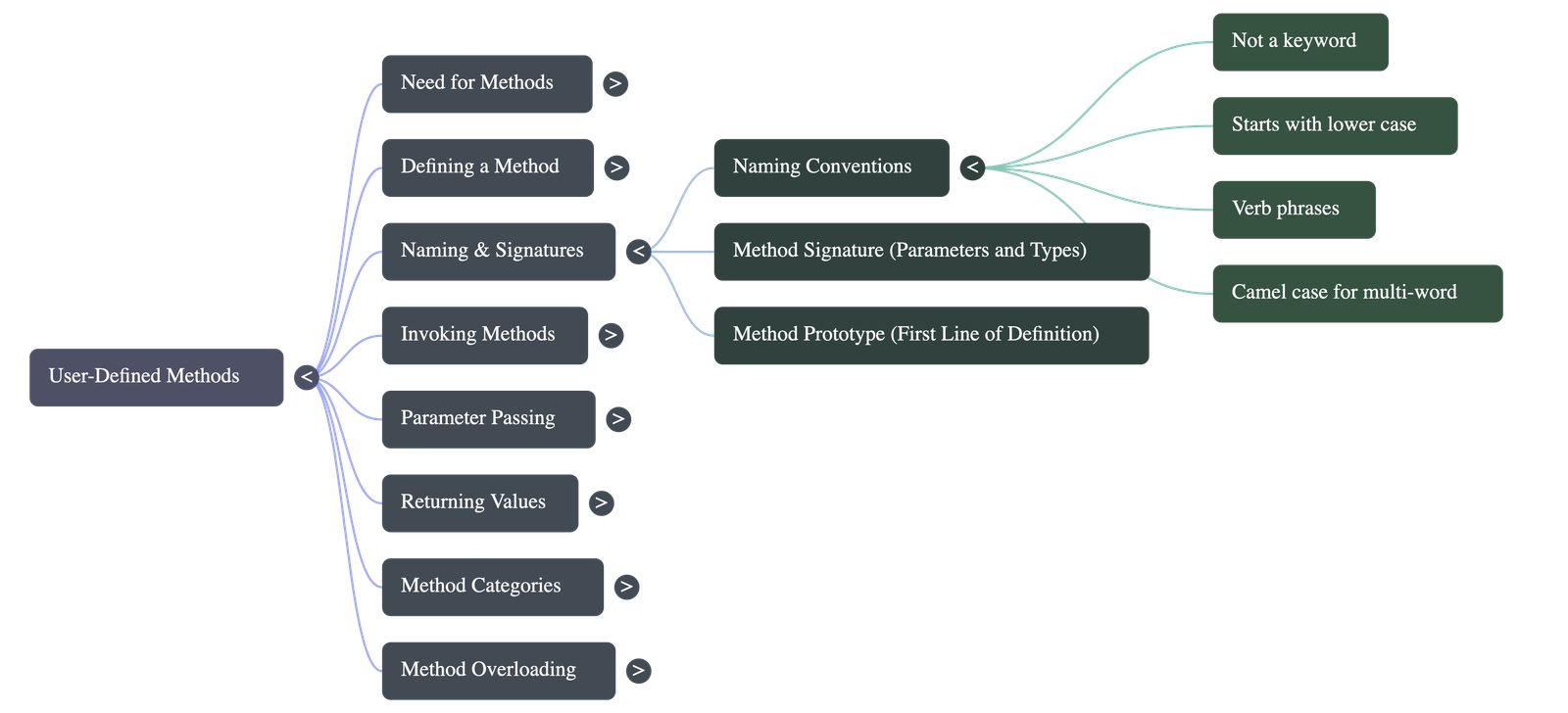
- The name should not be a Java keyword.
- The first character should be in lower case and it should generally be a verb (e.g.,
add(),print()). - For multi-word names, the first letter of the second and following words should be in upper case (Camel Case format, e.g.,
readInfo(),printDetails()).
3.3.2 Method Prototype & 3.3.3 Method Signature
- Method Prototype: This is the first line of a method. It tells the compiler about the number and type of parameters it takes and the type of data it returns. It helps the compiler check if the method invocation is valid.
- Method Signature: The specific list of parameters along with their data types. The signature is a part of the method prototype.
3.3.4 Invoking a Method
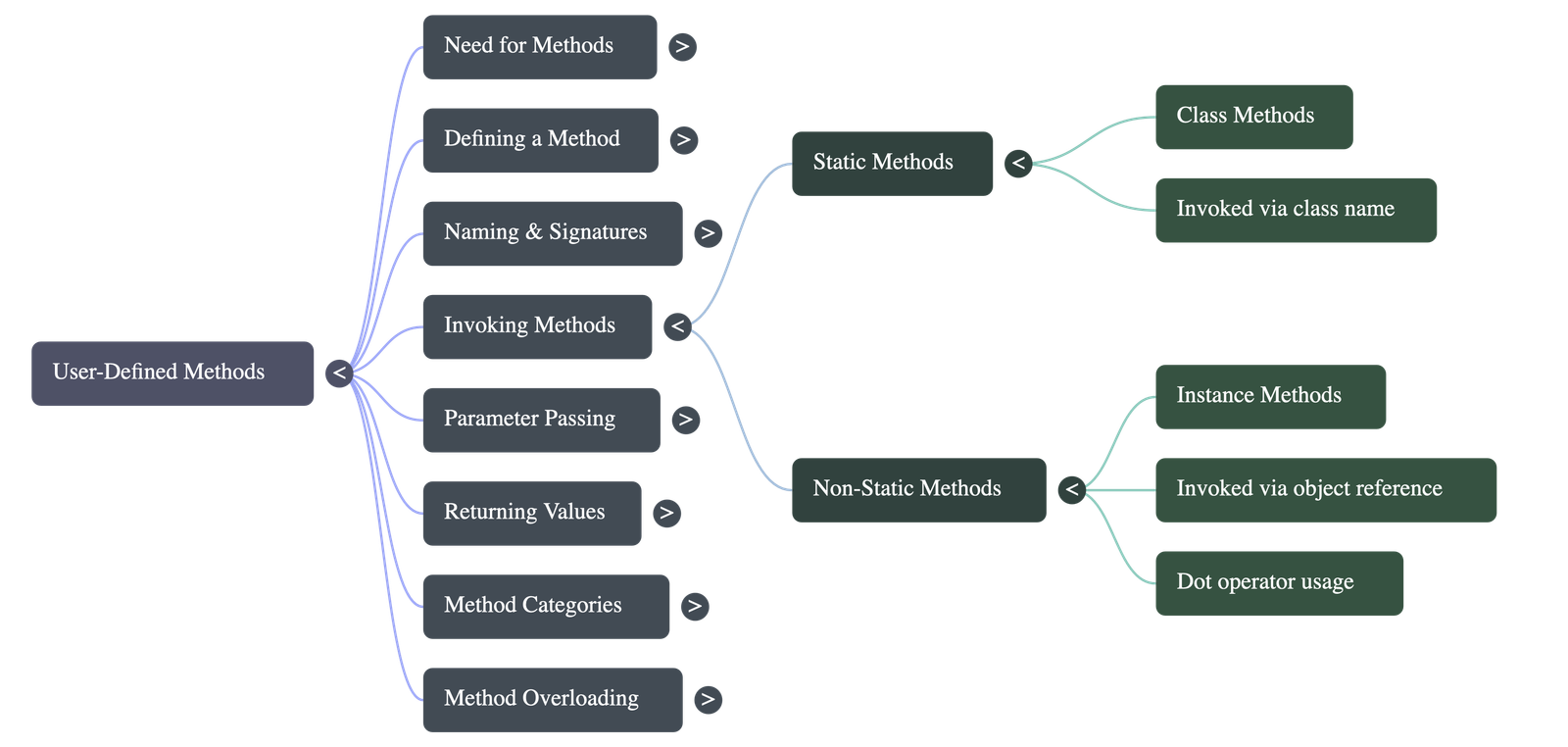
- Static Methods (Class Methods): Created using the
staticmodifier. They belong to the class and can be invoked directly using just the method name or through an object reference. - Non-Static Methods (Instance Methods): Do not use the
statickeyword. They can only be invoked by creating an instance (object) of the class and using the dot (.) operator.
3.4 Parameter Passing
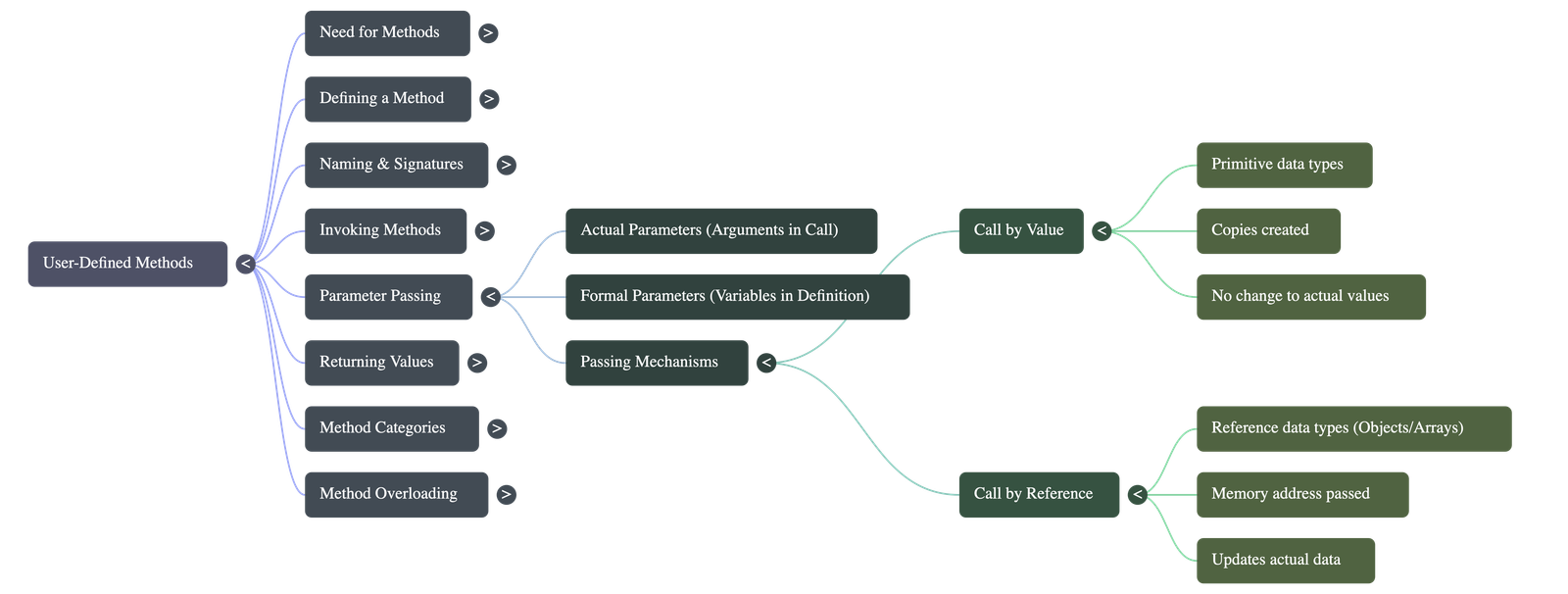
Parameter passing is the method of sending information or data from the calling method to the called method. Parameters are also known as arguments.
3.4.1 Actual And Formal Parameters
- Actual Parameters (Arguments): The parameters that appear in the method call statement. They can be constants, variables, or valid mathematical expressions.
- Formal Parameters: The parameters that appear in the method definition. They receive values from the actual parameters left to right. Their scope and memory lifetime are limited to the execution of the method.
3.4.2 Call by Value
- Used generally when passing primitive data types.
- The actual parameters' values are copied into the formal parameters.
- Memory is allocated separately for both actual and formal parameters.
- Any modifications made to the formal parameters inside the method do not affect the actual parameters.
3.4.3 Call by Reference
- Used when arguments are reference data types (like arrays or objects of classes).
- Instead of a value, the memory location (reference) of the original variable is passed.
- No separate memory is created; both parameters refer to the same memory location by different names.
- Any changes made to the formal parameters automatically update the actual parameters.
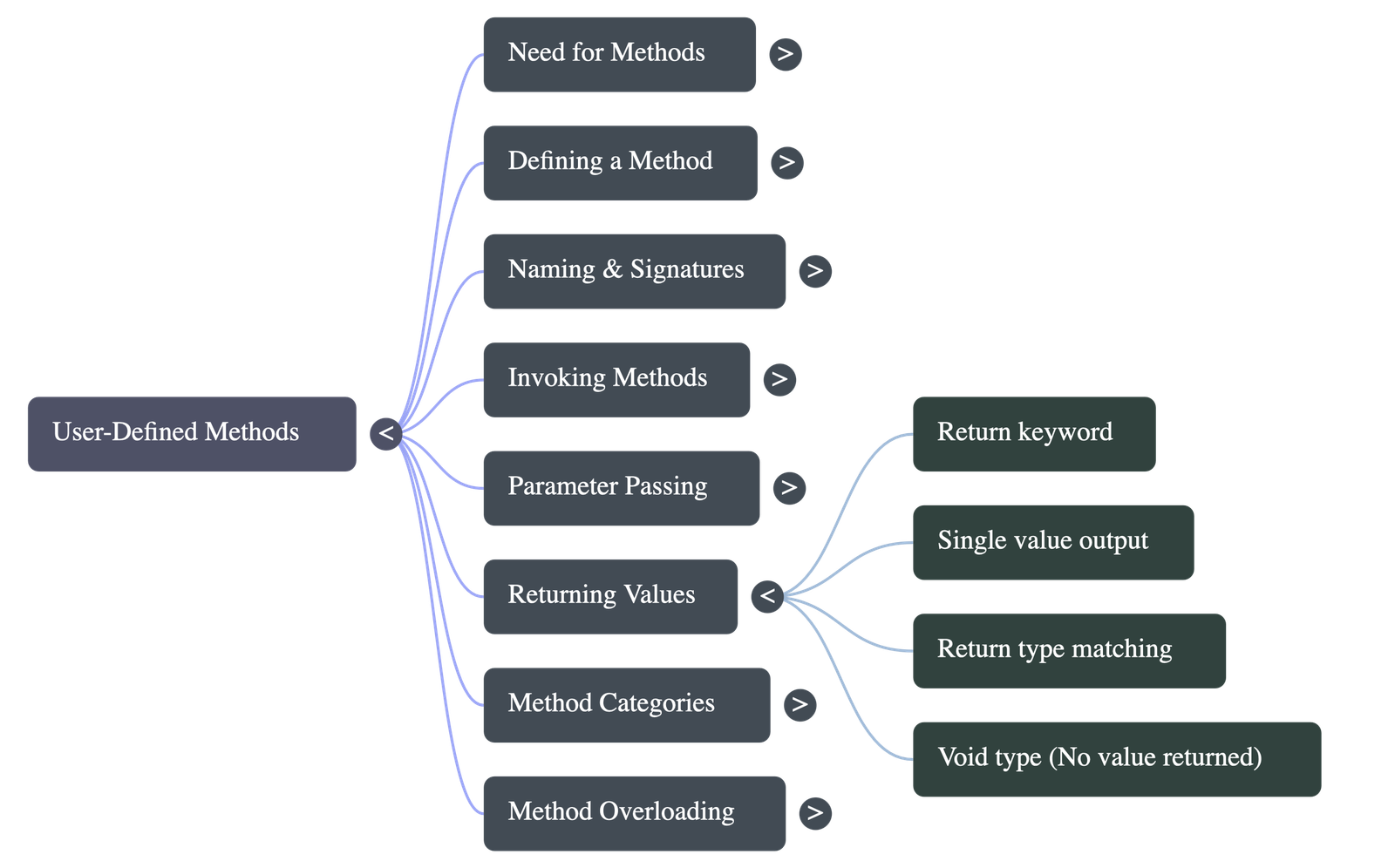
3.4.4 Returning A Value From A Method
- The
returnstatement is used to send a value back to the calling method. - A method can return only one single value at a time, and it must match the return type specified in the method prototype.
- The
returncommand must be the last statement executed because it immediately forces an exit from the method. - If the return type is set as
void, the method returns no value but terminates upon completion.
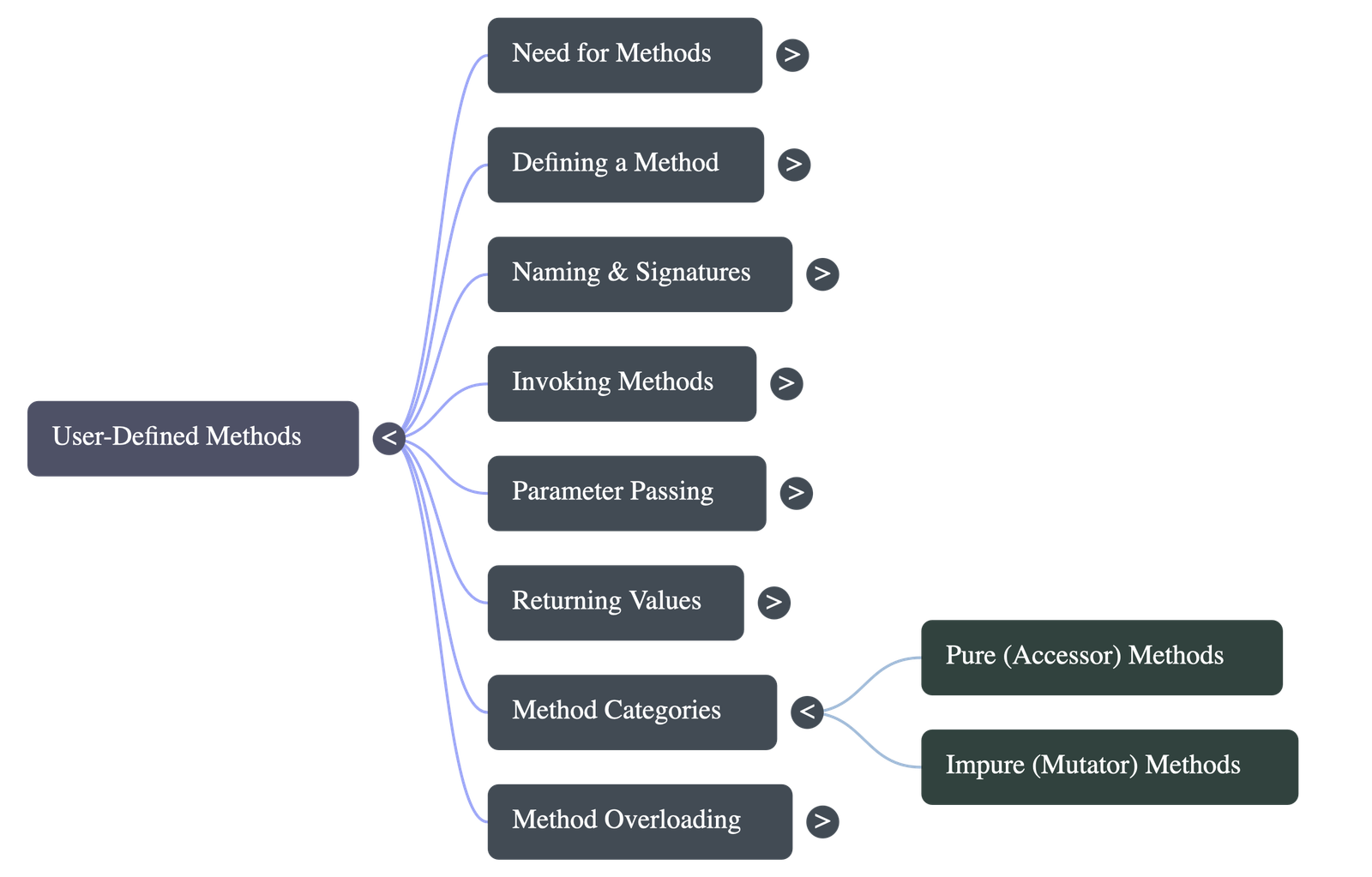
3.4.5 Pure & Impure Methods
- Pure Methods (Accessor Methods): A function that returns the same value for the same arguments and has no side effects. It does not modify the state of an object or global variables.
- Impure Methods (Mutator Methods): A function that causes a change in the state of an object. The values of instance variables are modified, causing side effects.
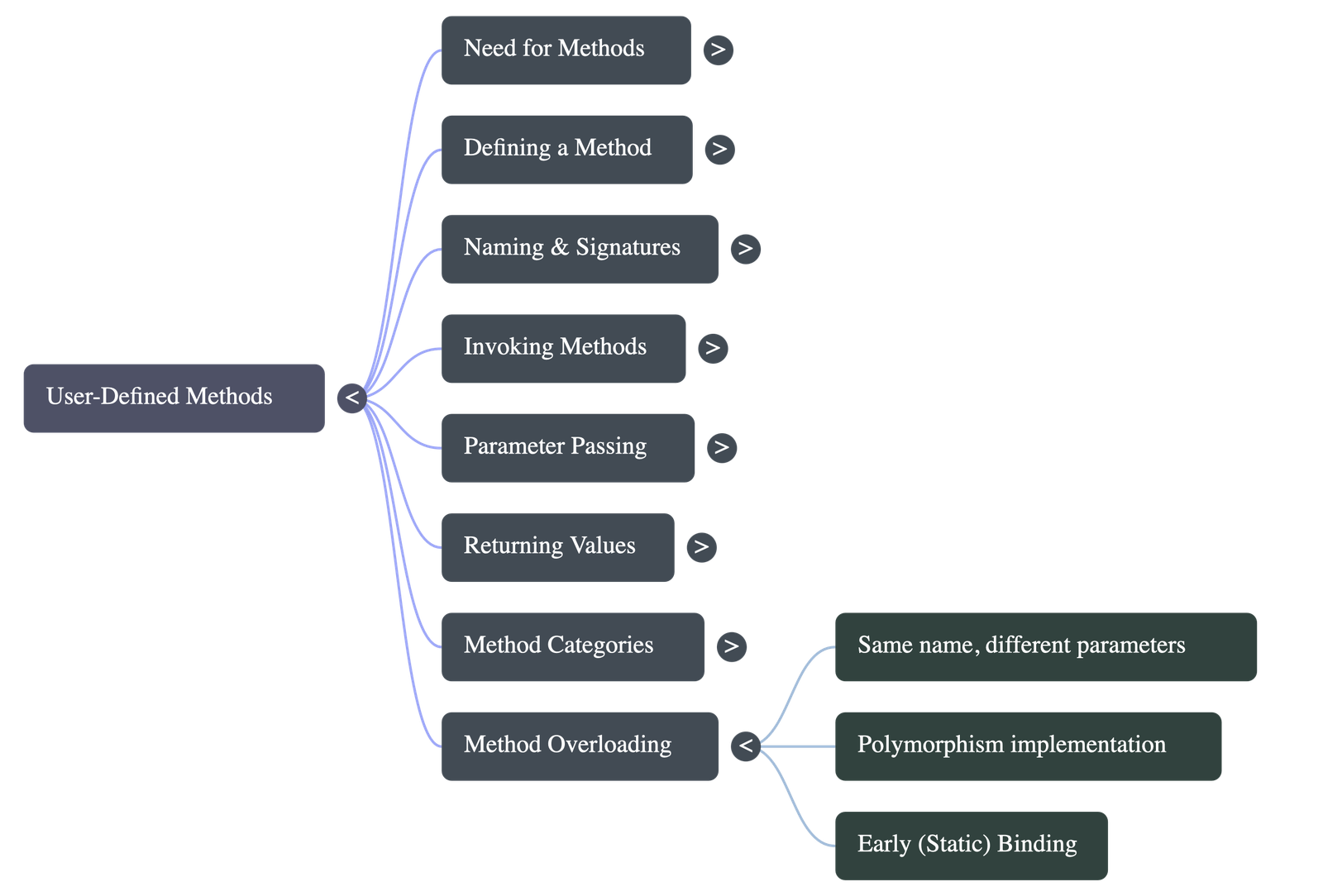
3.5 Method Overloading
- In Java, two or more methods can share the same name as long as they have different parameter types or a different number of parameters (different signatures).
- This concept is known as Method Overloading and is a way to implement Polymorphism (specifically static polymorphism or early binding).
- The compiler knows at compile time which appropriate method to link based on the provided arguments.
- Note: If two methods have similar signatures but only differ in their return type, it is not considered method overloading and will result in an error.
3.6 Calling Overloaded Methods
- The compiler automatically decides which overloaded method to execute based entirely on the type and number of arguments provided in the method call.
- In rare cases of ambiguity (like confusing an
intwith along), suffixes can be used in the call (e.g., adding an 'L' to the end of a number to explicitly mark it as a long value) to help the compiler differentiate data types and execute successfully.
Do checkout all questions & answers of this chapter.
Quick Navigation:
| | | |
1 / 1
Quick Navigation:
| | | |